Recover lost equipment fast — without exposing your team.
QR asset tags for laptops, tools, field gear, and rental equipment. Honest finders reach a designated team inbox — never an employee's personal number.
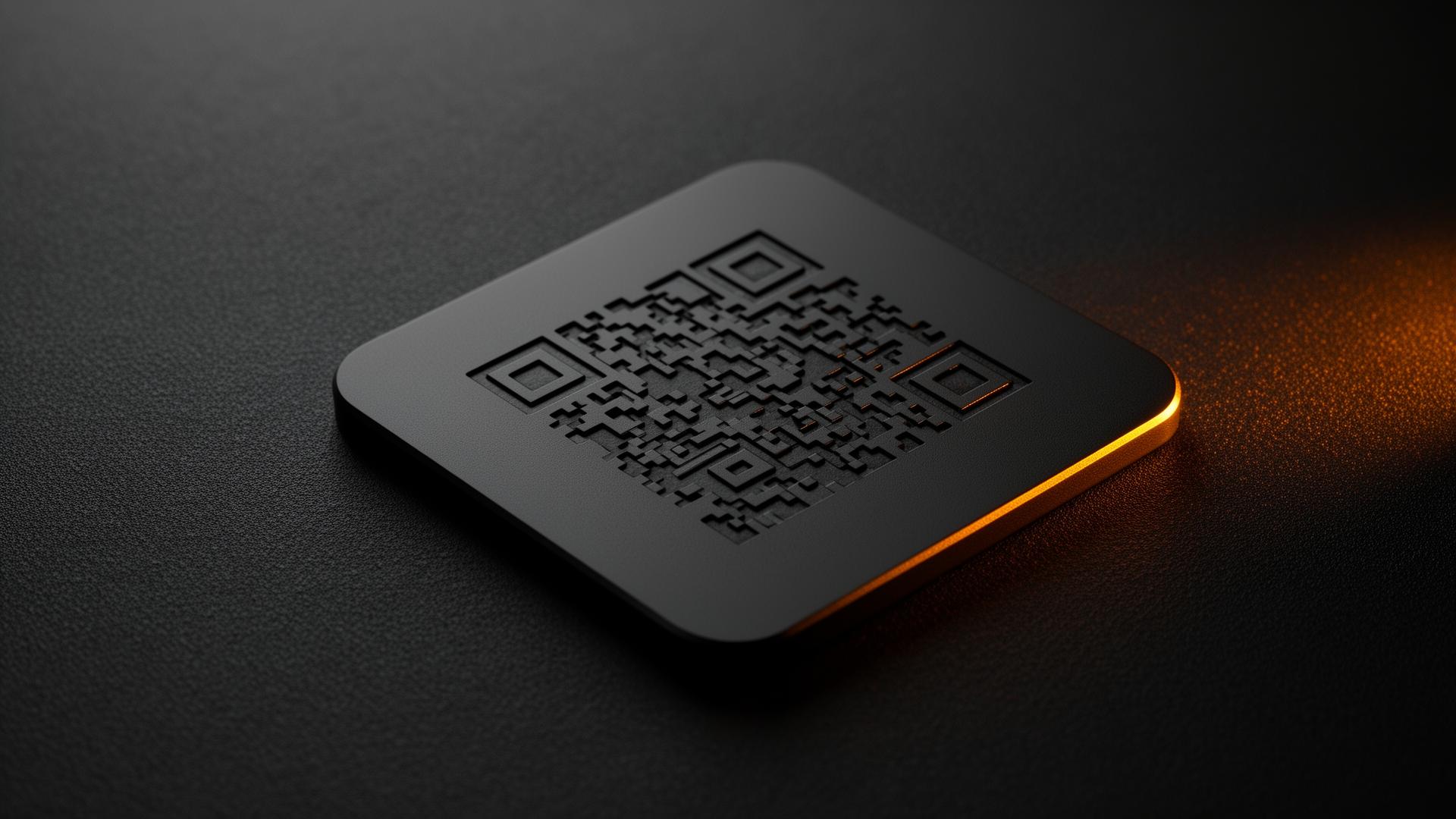
Built for fleets & teams
Bulk-activate hundreds of tags, route alerts to a shared inbox or operations channel, and assign assets to people, sites, or vehicles.
Cuts replacement costs
A single recovered laptop or piece of field equipment pays for years of tags. Honest finders return gear instead of dumping it.
Protects employee privacy
No personal phone numbers, no employee names. Finders message a managed company inbox — staff stay anonymous.
Three steps to a safe return.
Attach
Clip or stick a QTagBack tag onto the item you'd hate to lose.
Scan
If it's lost, any honest finder taps or scans the tag — no app needed.
Reunite
You get an instant private alert. Chat anonymously and arrange a return.
Built for the moments that matter.
Field tech leaves a laptop in a hotel
Housekeeping scans the QR tag and reaches your IT desk directly — not the employee's personal phone.
Construction tools left on site
The next crew finds your gear, scans the QR tag, and your foreman gets a message with location context.
Rental & loaner equipment overdue
Customers can scan to identify the rightful owner and arrange return — no awkward calls, no lost inventory.
Conference & event gear
Cameras, demo units, and AV kits get returned by venue staff in minutes instead of vanishing post-event.
Your information stays yours.
Finders never see your phone number, email, or address. Messages relay through QTagBack so you decide what to share — and when. No app downloads. No batteries. No silent tracking.
Questions, answered.
Scanning & finder behavior
How recovered assets get back to your team.
What happens when someone finds a tagged asset?
+
What happens when someone finds a tagged asset?
They scan the QR code with any smartphone. A branded finder page opens with a simple message form — no app, no signup. Your designated team inbox is notified immediately.
Can we route notifications to a team inbox?
+
Can we route notifications to a team inbox?
Yes. Each asset can be linked to a shared admin inbox, a specific employee, or both — so the right person sees the alert without exposing personal contact details.
Will tags survive rough field conditions?
+
Will tags survive rough field conditions?
Yes. Tags are weatherproof and laser-engraved to stay scannable through years of construction sites, rain, and rough handling. Free replacement under our 10-year warranty.
What if a finder's phone can't read the QR?
+
What if a finder's phone can't read the QR?
Every asset tag prints the full finder URL in plain text right under the QR (qtagback.com/found/ASSET-CODE). If a dusty job-site camera or older phone struggles with the QR, the finder just types that URL into any browser to reach the same notification flow.
No app · No battery
Zero ongoing maintenance per asset.
Do staff or finders need an app?
+
Do staff or finders need an app?
No. Admins manage everything from a web dashboard, and finders just scan the QR with any phone. There's nothing to install or update across your fleet.
Are there batteries that need replacing across hundreds of assets?
+
Are there batteries that need replacing across hundreds of assets?
Never. QTagBack tags are 100% passive QR — no battery, no electronics, no chip, no maintenance. Each tag is rated for 10+ years of daily use.
Is there a per-asset subscription?
+
Is there a per-asset subscription?
No subscription per tag. Volume pricing is one-time — buy once, recover forever.
International & travel
For distributed teams and global field operations.
Does it work for assets sent overseas?
+
Does it work for assets sent overseas?
Yes. QTagBack works in 180+ countries on any smartphone. Whether your laptop turns up at a hotel in Singapore or a customer site in Berlin, the finder can reach your team instantly.
Are tags airline-safe for traveling field gear?
+
Are tags airline-safe for traveling field gear?
Yes. With no battery and no electronics, there are no airline restrictions — unlike Bluetooth trackers, which face increasing scrutiny in checked baggage.
Privacy & safety
Protect employees, customers, and company data.
Will employee phone numbers ever be exposed?
+
Will employee phone numbers ever be exposed?
Never. Finders only see a branded message form routed to a managed company inbox. Personal staff contact information is never displayed.
What happens to data when an employee leaves?
+
What happens to data when an employee leaves?
Assets stay assigned to the company, not the individual. Reassign, deactivate, or transfer ownership instantly from the admin dashboard.
Is messaging encrypted?
+
Is messaging encrypted?
Yes. All finder messages and admin data are encrypted in transit and at rest. We never sell or share your information with third parties.
Stop replacing gear that just needs a way home.
From a dozen laptops to a thousand-piece tool fleet, QTagBack turns honest finders into your unpaid recovery team — without putting employees on the line.